


- Step-1
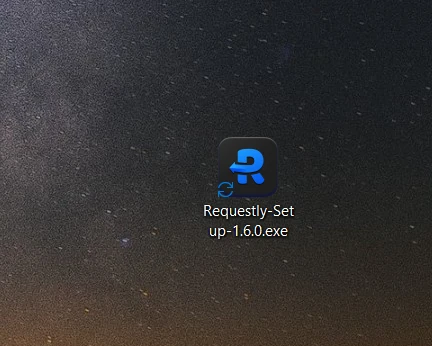
Download and open requestly's setup file
- Step-2
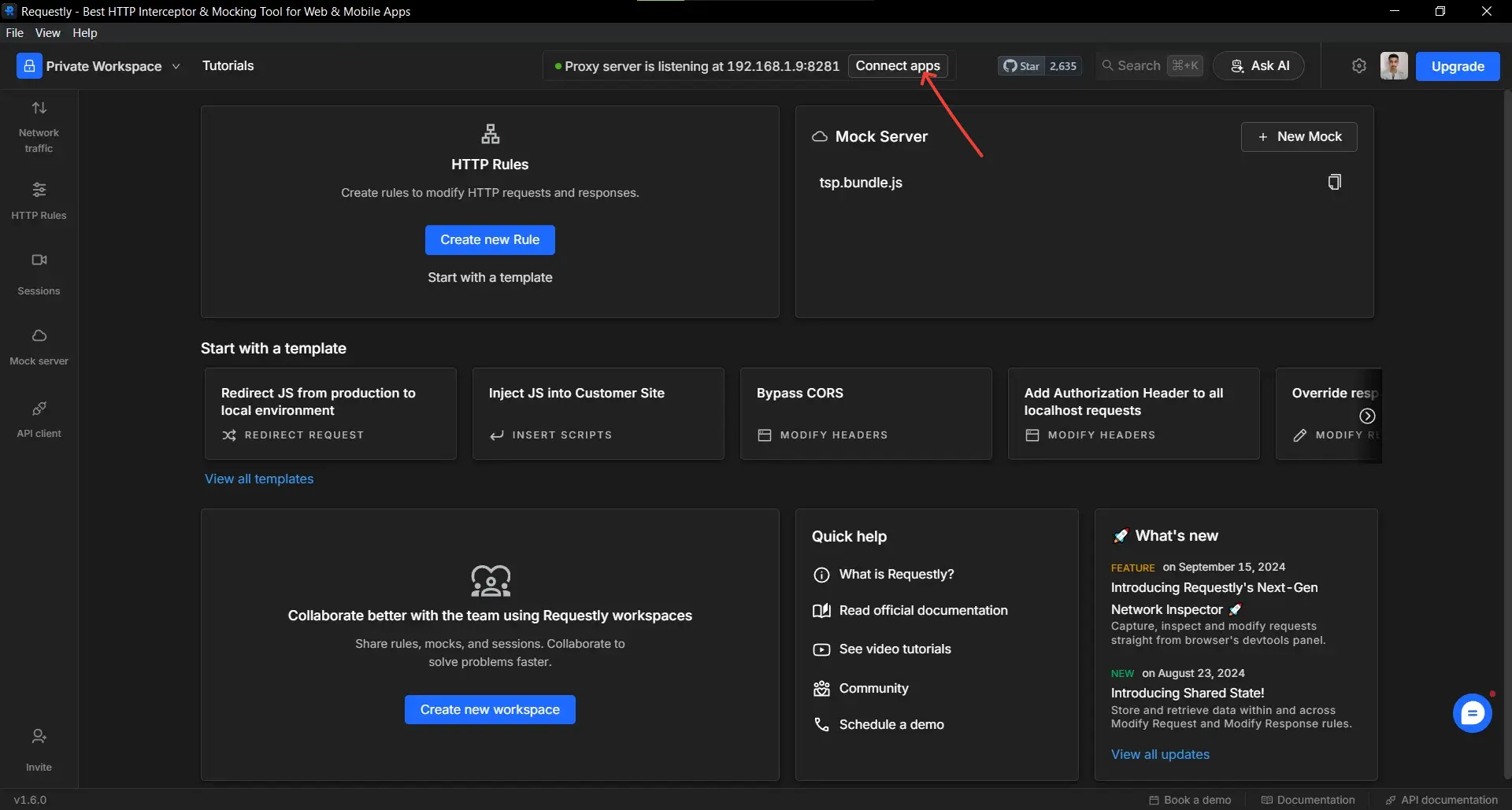
Now to start using the requestly, Click on Connect Apps button to enable
interception.
- Step-3
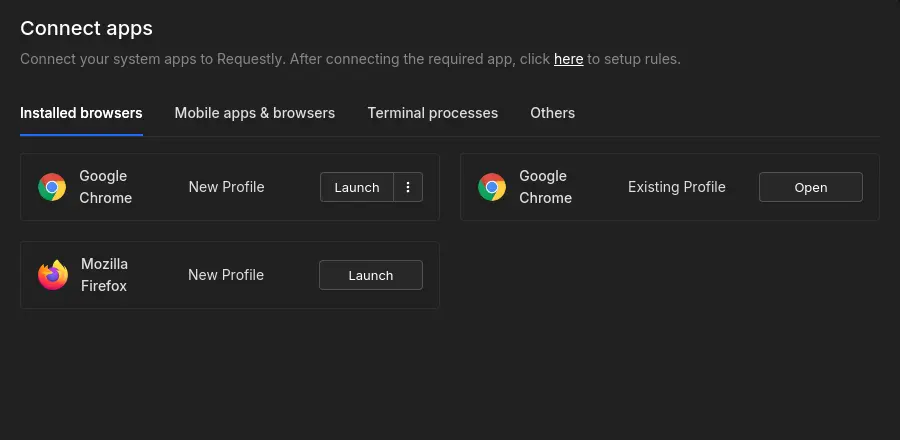
Under connected apps, click on the Launch or Open button next to the application you want to intercept.

You can also enable a system-wide proxy to intercept everything.

Download
Requestly Works on Desktop Only
Requestly isn’t available for download on mobile or tablets.
To download it, please open this page on a desktop PC and enter your email to get the link.



Mac app
Lightweight & Privacy-first API Client
- Local Projects
- Organize API into Collections & Environments
- API Tests
- Import from Postman, OpenAPI, etc
Download Now


Chrome extension
Intercept & modify HTTP requests/responses
- Redirect URLs & modify HTTP headers
- Mock API / GraphQL responses
- Insert custom JavaScript scripts
Add To Chrome
📣 Requestly – Modern git-based API Client. No login required. Switch from Postman in 1 click. Try now ->