





Get Requestly
HTTP status codes inform clients about the result of their requests to a web server. Among these, the 426 Upgrade Required code is relatively specialized, signaling that the server refuses to fulfill the request using the current protocol version.
Instead, it demands the client to switch to a different, typically newer, protocol version to proceed. This status code often appears in scenarios involving protocol upgrades, such as transitioning from HTTP/1.1 to HTTP/2 or enabling encrypted connections through TLS, and plays a crucial role in modern web communication protocols.
Understanding the 426 status code with its causes, server-client interaction, and remedies is vital for developers managing APIs, web servers, or applications relying on evolving internet protocols.
Understanding the HTTP 426 Status Code
The HTTP 426 status code officially means “Upgrade Required.” When a server returns this response, it indicates that the client must switch to a protocol or protocol version specified by the server before the request can succeed. The response includes an Upgrade header listing the protocol(s) the client must use.
This status is defined in RFC 7231 and used explicitly when the server supports one or more newer protocols or features unavailable in the protocol version used by the client.
Unlike some redirect or client error codes, 426 doesn’t imply an error in the request itself; instead, it’s a demand for protocol negotiation to ensure compatibility or security enhancements like encrypted connections or better performance protocols.
For example, a server might require HTTP/2 or HTTP/3, or switch from plain HTTP to HTTPS via TLS upgrades.
Common Causes of HTTP 426 Error
HTTP 426 responses typically arise under several common circumstances:
- Protocol Version Mismatch: The client uses an older HTTP version (e.g., HTTP/1.0 or HTTP/1.1), while the server requires HTTP/2 or HTTP/3.
- Mandatory Encryption Enforcement: Servers enforcing secure connections may require clients to upgrade from HTTP to HTTPS via TLS handshake initiated after protocol upgrade notification.
- WebSocket Upgrades: Upgrading an HTTP connection to WebSocket uses a handshake involving protocol upgrades that may trigger a 426 if requirements are not met.
- API Versioning or Custom Protocols: Some APIs or servers implement custom protocols or versions and require clients to upgrade accordingly.
- Misconfiguration or Strict Server Policies: Sometimes 426 results from strict server configuration demanding updates that clients do not initiate.
This status code rarely returns due to application-layer errors and instead signifies a structural protocol evolution necessity.
How HTTP 426 Server Response Works
When a client sends an HTTP request and the server deems the protocol version insufficient, it responds with a 426 status code. This response must include the Upgrade header that explicitly lists the supported protocol(s).
Example response:
text
HTTP/1.1 426 Upgrade Required
Upgrade: HTTP/2, HTTPS/1.3
Content-Length: 0
Upon receiving this, the client must retry the same request with the suggested protocol(s). This usually involves:
- Re-establishing the connection using the upgraded protocol (e.g., TLS for HTTPS).
- Resubmitting the original request once the connection upgrade completes.
This upgrade mechanism ensures backward compatibility and a path towards improved communication without breaking existing clients abruptly.
Notably, this differs from HTTP redirects. Instead of instructing a new URL, 426 instructs a protocol switch to proceed successfully.
Impact of HTTP 426 on Web Browsing and API Requests
HTTP 426 impacts both browsers and API clients, often in different ways:
- Web Browsers: Modern browsers automatically handle protocol upgrades, such as negotiating HTTPS (via TLS) or HTTP/2, often without exposing the 426 status directly to users. However, in cases of misconfiguration or outdated clients/browsers, visitors may experience failed page loads or security warnings.
- API Clients: APIs requiring protocol upgrades might reject requests with 426 if clients fail to upgrade their communication stack. This can cause compatibility issues for older API consumers, requiring updates to libraries or client code.
- Performance and Security: Properly implemented protocol upgrades often improve performance (through multiplexing, header compression) and security (via encrypted channels). Hence, 426 acts as a safeguard ensuring outdated protocols don’t degrade service.
- Error Handling: If unhandled, 426 responses cause client errors, failed operations, or poor user experience, emphasizing the developer’s responsibility to support protocol upgrades seamlessly.
How to Fix HTTP 426 Upgrade Required Errors
Resolving 426 errors involves updating client and sometimes server configurations:
- Client-Side Fixes:
- Upgrade HTTP libraries or frameworks to versions supporting required protocols (HTTP/2, HTTP/3).
- Use updated browsers capable of negotiating upgrades automatically.
- Ensure clients follow the Upgrade header instructions, such as initiating TLS for HTTPS.
- Server-Side Fixes:
- Adjust server configuration to support protocols compatible with the client base if backward compatibility is needed.
- Provide clear guidance and documentation on required protocols.
- Ensure proper TLS certificates and negotiation mechanisms are in place.
- Network and Middlewares:
- Verify proxies, load balancers, or firewalls don’t obstruct or misinterpret Upgrade headers.
Often, fixing 426 errors is a collaborative effort between client developers and server administrators, ensuring compliant and smooth upgrades.
Server-Side Configuration to Prevent HTTP 426
Preventing unexpected 426 responses includes configuring server protocols and negotiation policies wisely:
- Protocol Support: Ensure servers support widely-used protocols requested by common clients.
- Graceful Fallbacks: Besides enforcing upgrades, provide fallback paths or informative responses for legacy clients where feasible.
- TLS Configuration: Maintain valid TLS certificates and enable automatic HTTP to HTTPS redirects if upgrading to encrypted communications.
- WebSocket and Custom Protocols: Validate proper handshake implementations to avoid unnecessary 426 triggers.
Popular servers like Apache, NGINX, and IIS have modules and settings to manage protocol upgrades and fallback policies explicitly, enabling controlled enforcement of upgrades.
Client-Side Solutions and Protocol Upgrades
Clients encountering 426 must implement strategies for smooth protocol transitions:
- Library and Stack Updates: Update HTTP client stacks to versions supporting required protocols, e.g., HTTP/2 support in cURL, HTTP client libraries.
- Automatic Upgrade Handling: Implement logic to parse the Upgrade header and retry requests with suggested protocols.
- Fallback Mechanisms: Where possible, implement fallbacks or user notifications if upgrade isn’t achievable, improving debuggability.
- Use Modern Browsers: Advise users to adopt updated browsers with native support for modern protocols.
Code-level integration examples include configuring API clients to support ALPN (Application-Layer Protocol Negotiation) for TLS upgrades, essential for HTTP/2 and HTTP/3.
Best Practices for Handling HTTP 426 in Web Applications
Handling 426 requires a balance of strictness and user experience:
- Clear Communication: Provide descriptive error messages or documentation guiding users and developers on upgrade steps.
- Monitor Client Capabilities: Log and analyze client protocol versions to adapt support accordingly.
- Progressive Upgrade Enforcement: Use 426 strategically to nudge upgrades without breaking old clients abruptly.
- Security Considerations: Leverage 426 to phase out insecure protocols and encourage encrypted, modern connections.
- Testing: Regularly test protocol upgrade workflows under different client environments to identify issues proactively.
Strategic adoption of 426 maintains robust security and performance while preserving accessibility.
Using Developer Tools to Diagnose HTTP 426 Errors
Diagnosing 426 errors requires inspecting HTTP exchanges carefully:
- Browser DevTools: The Network tab can display 426 responses and the associated Upgrade headers.
- Curl Command: Using curl -v shows HTTP status and headers, revealing 426 responses and required protocol upgrades.
- Logging Servers and Proxies: Enable detailed HTTP logging to identify when and why 426 is issued.
- API Debuggers: Tools like Postman or Insomnia help test requests and observe server upgrade demands.
Understanding server-client negotiation through detailed logs and headers is crucial for resolving upgrade issues efficiently.
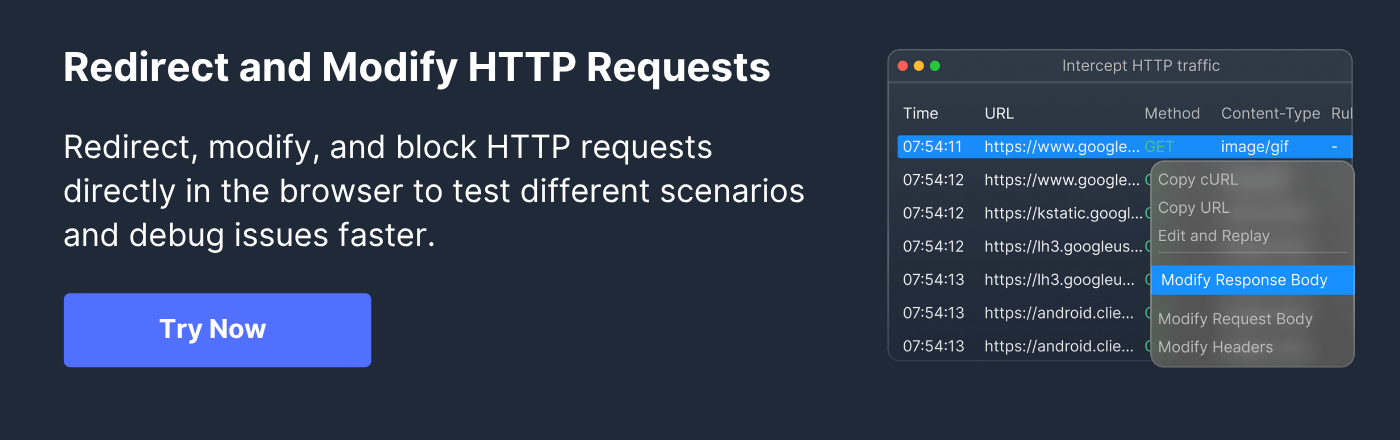
Testing and Simulating HTTP 426 Responses with Requestly HTTP Interceptor
Requestly HTTP Interceptor is a versatile open-source tool that allows developers to intercept, modify, and simulate HTTP traffic, including status codes like 426 Upgrade Required.
Using Requestly, you can:
- Capture and modify HTTP responses on the fly to return 426 codes to clients, enabling testing of how applications respond to protocol upgrade demands.
- Modify or add Upgrade headers dynamically to simulate different server upgrade requirements.
- Test client-side retry mechanisms or fallback handling without needing server changes.
- Debug workflow issues arising from protocol changes in both development and QA environments.
Requestly’s ability to simulate complex HTTP response scenarios accelerates development and ensures robust handling of protocol upgrade requirements across client and server ecosystems.
Conclusion
The HTTP 426 Upgrade Required status code is a powerful mechanism server use to enforce protocol evolution, ensuring clients communicate using modern, secure, and performant protocols. While it can initially appear as a blocking error, understanding its purpose reveals it as a critical facilitator for progressive web standards.
Addressing 426 requires coordination between client and server development, encompassing updates to HTTP stacks, proper server configuration, and clear communication with users. Leveraging diagnostic tools like browser developer tools, curl, API clients, and advanced interceptors such as Requestly HTTP Interceptor can significantly ease testing and troubleshooting.
Ultimately, embracing HTTP 426-driven upgrades enables websites and APIs to remain secure, efficient, and compatible with the constantly evolving internet ecosystem.


Get Started for Free