📣 Requestly – Modern git-based API Client. No login required. Switch from Postman in 1 click. Try now ->

Redirect Request

Switch Domains without Code Changes

Fix Broken URLs locally​

Redirect to local System files​​

Redirect Production to Local Environment

Download Now
Documentation ->
4.5 ⭐  1700+ Ratings, 300,000+  developers

Trusted by 300,000+ developers from Fortune 500 companies.

Trusted by teams at… Trusted by teams at… Trusted by teams at… Trusted by teams at… Trusted by teams at… Trusted by teams at… Trusted by teams at… Trusted by teams at… Trusted by teams at…

Redirect network requests effortlessly

Easily intercept and redirect network requests without writing any code. Speed up your development and testing with a simple, powerful interface.

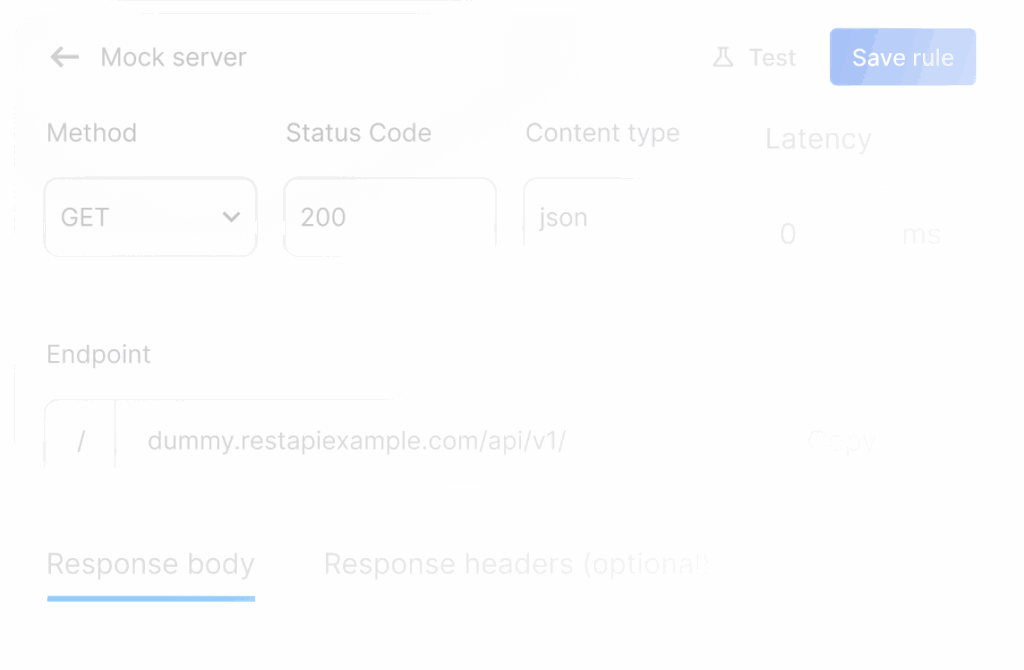
Redirect Real API calls to File Server

Redirect real API requests to mock environments for testing and development.
Download Now
Learn more ->
redirect real api calls to file server
modify request body .

Supports APIs triggered as XHR or fetch​

Requestly handles daily dev tasks like bug replication, API mocking, and testing.
run local js on production - insert script rule

Run local JS on Production​

Debug and test changes directly on your production environment using local JavaScript files, ensuring the live user experience remains unaffected.
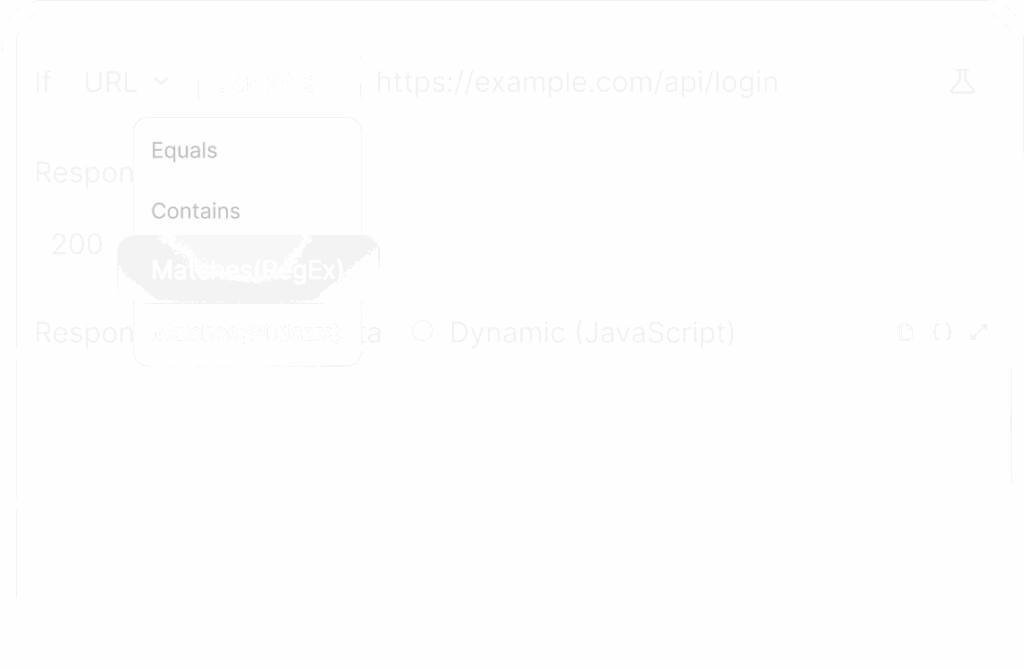
modify request body | match urls using regex

Match URLs using Regex​​

Use regular expressions to achieve intricate URL pattern matching without the need for overly complex, indirect approaches. This grants you granular control over your URL replacements in a more streamlined manner.

Collaboration & 1-Click Sharing

Promote consistency and accelerate development by sharing Requestly rules within your team.

collaboration 1 click sharing

Built for teams

Effortless team collaboration

Share instantly, sync effortlessly, and collaborate effectively with your team in dedicated workspaces.

Quick One time sharing

Instantly generate and share a link to your rules and more

Team workspaces

Collaborate easily with teammates in a shared workspace.

Export data & sync to Git

Easily version-control your configs by exporting and syncing

Secure and private

Enterprise-ready security and compliance

Requestly ensures top-tier security with SOC-II compliance, SSO integration, and role-based access control. We protect your data and secure your workflows, making us the ideal choice for enterprises.
Requestly security and compliance

SOC-II Compliance

Adheres to rigorous security standards for data protection and privacy.

Single Sign-On (SSO)

Simplifies user access with secure, centralized authentication.

Role-based access control

Ensures precise control over user permissions and data access.

Data encryption

Protects your data in transit and at rest with advanced encryption protocols.

Audit logs

Tracks and records user actions and system events, giving you complete visibility.

Regular security updates

Keeps your environment secure with timely updates and patches.
Customers love us

Loved by developers around the World

Developers around the world trust us to simplify debugging, speed up workflows, and make development more efficient.

Frequently Asked Questions​

There are frequently asked questions related to Requestly

Can I redirect only specific URLs instead of an entire domain?

Yes, you can target exact URLs, specific paths, query parameters, or use wildcard and regex patterns to match only the requests you want. This gives you fine-grained control over which requests get redirected during testing.

Does the Redirect rule work for XHR, Fetch, and API requests?

Yes, the Redirect rule works with network requests made through Fetch, XMLHttpRequest, script loading, images, and other browser resource requests, depending on the matching conditions.

Can I redirect requests to localhost or a staging server?

Yes, you can redirect requests to localhost, staging environments, internal servers, or any custom endpoint. This is useful for testing frontend changes against different backend environments.

Is Requestly open-source

Is the Redirect Rule available in the free plan?

Yes, the Redirect Rule is available in Requestly’s free plan, so you can start intercepting and redirecting requests without a paid subscription.

Does Requestly offer an enterprise plan?

Yes. Requestly offers an Enterprise Plan built for larger teams and organizations that need full control and compliance. It includes unlimited usage, API access, SSO & SAML, GDPR and SOC 2 compliance, user access management, SLAs for support and uptime, invoice-based billing, and priority support via Slack Connect, Email, and Chat.

Is Requestly free for students?

Yes! Requestly is free for students, enjoy access to powerful tools and features with no cost.

My Redirect Rule is not working. What should I check?

First, verify that the rule is enabled, the source URL pattern matches the actual request, and the rule conditions are correctly configured. Also confirm that Requestly interception is active in your browser or desktop app.

Why Aren’t My Requestly Rules Working?

How do I redirect a production API to localhost using Requestly?

Create a Redirect Rule, enter the production API URL in the source condition, add your localhost endpoint as the destination, save the rule, and refresh your application. All matching requests will now go to your local server.

How do I redirect an entire domain to a staging environment?

Use wildcard or regex matching in the source condition to match the domain, then set your staging domain as the destination URL. This allows all matching requests to be redirected automatically.

How do I temporarily disable a Redirect rule during testing?

Open your Requestly rules list and toggle the Redirect Rule off. You can enable it again anytime without losing your configuration.