
Inject Custom JavaScript & CSS
Add Custom Attributes to <Script> tag
Run Local Scripts on Production
Trusted by 300,000+ developers from Fortune 500 companies.
Easily insert custom scripts into any webpage
Test features, debug issues, or modify behavior without changing the original code. Perfect for quick experiments and faster development. 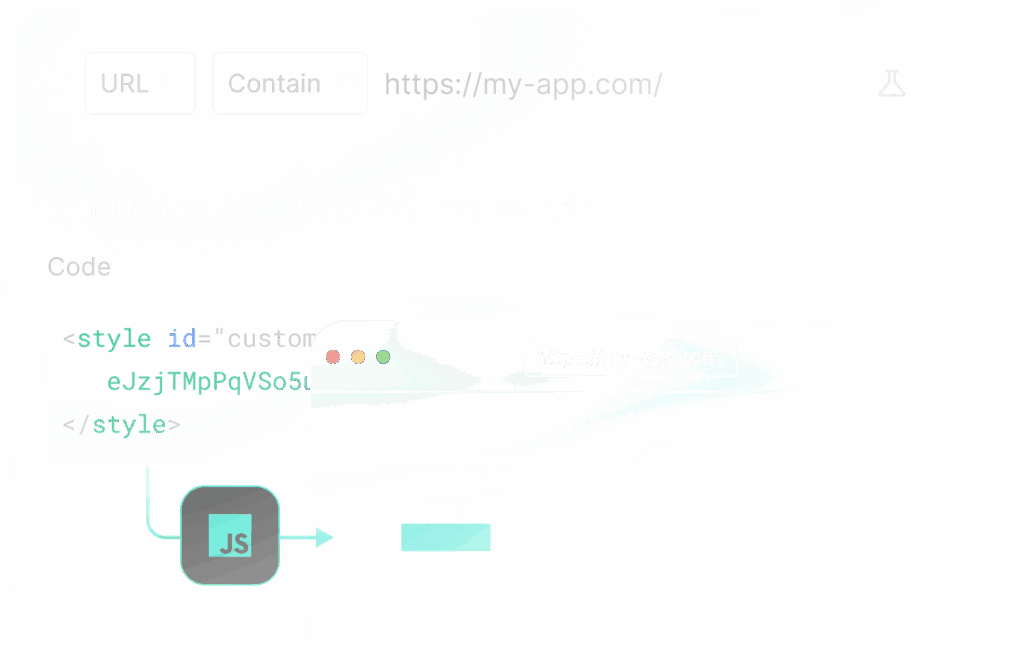
Inject Custom Js and CSS on any webpage Learn more -> 
Run Local JS on Production Learn more -> 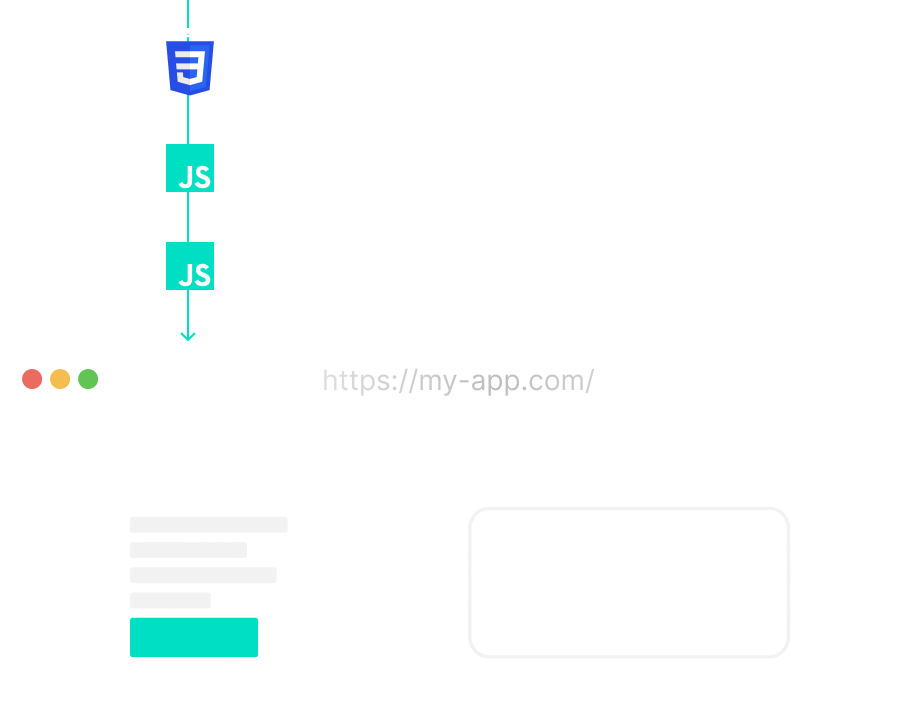
Multiple Scripts Support Learn more ->
Collaboration & 1-Click Sharing
Promote consistency and accelerate development by sharing Requestly rules within your team. 
More features for your testing needs
These HTTP Rules designed for all your local development and testing needs. Modify Responses Intercept, Modify & Mock API Responses in Real-Time Replace string Replace part of URL like hostname, query values. Redirect URL Redirect any URL to a new destination. Modify Headers Modify HTTP request & response headers. Query params Add or Remove Query Parameters Insert scripts Inject Custom JS & CSS on any website(s). Delay network Simulate delay in response of API calls. Modify request body Modify body of website or application POST requests.
Frequently Asked Questions
What does the Insert Script rule do in Requestly?
The Insert Script rule lets you inject custom JavaScript into any webpage without modifying the website’s source code. This helps you debug applications, test UI changes, override browser behavior, or run custom scripts directly in your browser.
Where can the injected script run?
You can inject scripts on specific webpages, domains, paths, or URL patterns. The script runs only on pages that match your configured conditions.
Is Requestly open-source
Feel free to check out the GitHub repo
Is the Insert Script rule available in the free plan?
Yes. Requestly offers a Free plan with essential features like unlimited header rules and standard HTTP modifications, perfect for getting started.
Does Requestly offer an enterprise plan?
Yes. Requestly offers an Enterprise Plan built for larger teams and organizations that need full control and compliance. It includes unlimited usage, API access, SSO & SAML, GDPR and SOC 2 compliance, user access management, SLAs for support and uptime, invoice-based billing, and priority support via Slack Connect, Email, and Chat.
Is Requestly free for students?
Yes! Requestly is free for students, enjoy access to powerful tools and features with no cost.
My injected script is not running. What should I check?
First, make sure the rule is enabled, the URL matching condition is correct, and the current page matches your configured pattern. Then refresh the page after saving the rule.
Why is my script working on some pages but not others?
The URL pattern may not match all pages, or some pages may load content dynamically after the initial page load. Verify your matching condition and test against the exact page URL.
Why Aren’t My Requestly Rules Working?
How do I inject custom JavaScript into a webpage using Requestly?
Create an Insert Script rule, add the target webpage URL in the source condition, paste your JavaScript code or script URL, save the rule, and refresh the page. Your script will run automatically on matching pages.
How do I test UI changes without modifying the application code?
Use the Insert Script rule to change text, hide elements, update styles, or add new UI components directly in the browser. This helps you validate UI ideas before making code changes.
How do I load an external debugging library on a webpage?
Create an Insert Script rule, provide the external script URL or library code, target the required webpage, save the rule, and reload the page. The library will load automatically on matching pages.