






Requestly
FeaturesHTTP InterceptorPricingRequestly vs PostmanBlogDocsDownload

Home / API Client / Local Projects

Keep your API collections on your own machine

A local project stores every collection, request and environment in a folder you pick on your device. Nothing syncs to the cloud.

  • You choose the location. Point it at a repo, a synced folder, or anywhere else you control.
  • Nothing leaves the device. No cloud storage for that project's collections or environments.
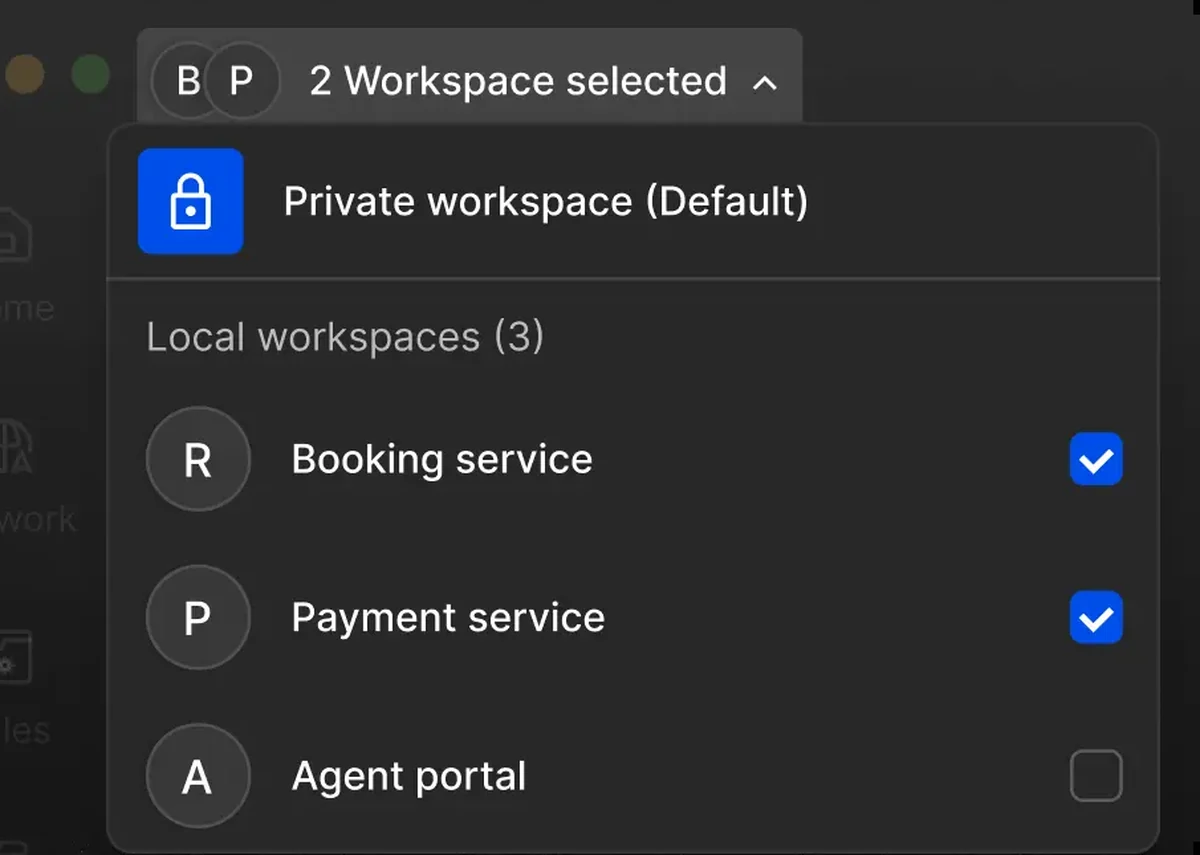
  • Several at once. Run multiple local projects side by side and move requests between them.

Local projects are in beta. Data lives entirely on your device, so it is not backed up by Requestly and cannot be restored if deleted โ€” see the Data Recovery Policy.

Creating a local project and choosing its folder in the Requestly API Client

Used by 300,000+ developers at 50,000+ companies

Storage you can point at

Some work should not leave the machine it was done on. A local project is the same API Client with its storage pointed at a folder you chose.

Pick the folder

Open the project switcher from the project name at the top-left, choose Create a local project, name it, and select a folder. All configurations and API data for that project are written there.

Know the trade-off

Your collections, requests and environment data stay on your device. Nothing is synced.

Switch to a team project to share

Local projects isolate your work the same way team projects do, but they are designed for individual use rather than collaboration. When something needs to be shared, a team project is the cloud-based counterpart.


Read the documentation โ†’

What a local project gives you

The same client, with storage you control.

You choose the folder

Pick where configurations and API data are stored when you create the project.

Nothing leaves the device

Collections, requests and environment data stay on your machine.

Full isolation

Like a team project, a local project isolates one body of work from another.

Several at once

Work with multiple local projects side by side and move requests between them.

Designed for individual use

Local projects are built for one person's work rather than team collaboration.

Switch when you need to

Create a team project when work needs sharing and sync.

Why developers switched

โ˜…โ˜…โ˜…โ˜…โ˜… verified user

Requestly is the first API client that has genuinely replaced Postman for me. Everything runs locally, so my API data never goes through a cloud server. No bloat, no pressure to upgrade.

Hasan Toor
Hasan Toor
AI & Tech Educator
โ˜…โ˜…โ˜…โ˜…โ˜… verified user

Postman stopped fitting the way our team works. We wanted our API collections in Git, not locked inside another tool. Requestly stores everything as plain JSON files, giving us full control over versioning and reviews.

NIJ Ruvos
NIJ Ruvos
Engineering Lead
โ˜…โ˜…โ˜…โ˜…โ˜… verified user

We migrated from Postman to Requestly's API Client and it has been a great experience. Storing collections locally, keeping them in Git, and working with simple JSON files made the transition seamless.

Harry S
Harry S
Principal Engineer at Tapistro

Related features

More of what the Requestly API Client does.

Enterprise Security

SOC 2, SSO, RBAC and audit logs

Import from Postman

Migrate collections in one click

Team Workspaces

Shared projects with roles

Vault

Encrypted secrets, never in exports

AI Test Case Generator

Write tests from a plain-English prompt

Collections

Group requests into folders

See all features โ†’

Frequently Asked Questions

Click the current project name at the top-left of the app to open the project switcher, choose Create a local project, select Local project as the type, then enter a name and choose the folder where data should be stored.

No. Local project data lives entirely on your device. It is not backed up by Requestly and cannot be restored by the team if it is deleted, so back the folder up yourself if the work matters.

No. Local projects are designed for individual use. For collaboration, use a team project, which is cloud-based and syncs across your team. See Team projects.

Local projects are in beta. They work for day-to-day individual use, but because the data lives only on your device you should keep the folder in whatever backup you already run.

Yes. You can work with several local projects side by side and move requests between them.

Your collections, your filesystem

Pick a folder, point Requestly at it, and keep your API data under your own control.

macOS, Windows & Linux