






Requestly
FeaturesHTTP InterceptorPricingRequestly vs PostmanBlogDocsDownload

Home / API Client / GraphQL Client

A GraphQL client with schema introspection built in

Point Requestly at a GraphQL endpoint and it introspects the schema. Explore queries, mutations and types, then build a query by clicking fields.

  • Query / mutation editor. Write queries by hand, or let the schema explorer generate them for you.
  • Variables editor. Supply variables as JSON, separate from the query itself.
  • Schema explorer. Browse queries, mutations, subscriptions and types discovered by introspection.
GraphQL request with schema explorer in the Requestly API Client

Used by 300,000+ developers at 50,000+ companies

GraphQL, without the guesswork

GraphQL requests work over HTTP like REST, but instead of many endpoints you have one — typically /graphql — and you describe exactly the data you want. That flexibility is the point, and it is also why a plain HTTP body field is an awkward way to work with it.

Enter the endpoint

Enter your GraphQL endpoint and Requestly performs schema introspection automatically. You get the list of available queries, mutations, subscriptions and types without opening a separate schema document.

Build a query by clicking

In the schema explorer, select a field and expand its arguments. The matching query is written into the query editor.

Add variables as JSON

The Variables editor takes JSON, kept separate from the query. That is what makes a query reusable across environments rather than a string you edit every time.


Read the documentation →

Why it is not just an HTTP request

GraphQL runs over HTTP, but working with it needs more than a body field.

Automatic introspection

Enter the endpoint and Requestly discovers the available queries, mutations and types.

Click to build a query

Select a field in the schema explorer, expand its arguments, and the query appears in the editor.

Multiple queries

Select more than one field and both queries land in the editor together.

Variables as JSON

Keep parameters out of the query string, the way GraphQL intends.

Works with the rest

Collections, environments, auth, scripts and tests apply to GraphQL requests too.

Runs in CI

The CLI runs GraphQL collections alongside HTTP ones.

Why developers switched

★★★★★ verified user

Requestly is the first API client that has genuinely replaced Postman for me. Everything runs locally, so my API data never goes through a cloud server. No bloat, no pressure to upgrade.

Hasan Toor
Hasan Toor
AI & Tech Educator
★★★★★ verified user

Postman stopped fitting the way our team works. We wanted our API collections in Git, not locked inside another tool. Requestly stores everything as plain JSON files, giving us full control over versioning and reviews.

NIJ Ruvos
NIJ Ruvos
Engineering Lead
★★★★★ verified user

We migrated from Postman to Requestly's API Client and it has been a great experience. Storing collections locally, keeping them in Git, and working with simple JSON files made the transition seamless.

Harry S
Harry S
Principal Engineer at Tapistro

Related features

More of what the Requestly API Client does.

Collections

Group requests into folders

Authorization

API keys, Bearer, Basic and OAuth

Dynamic Variables

100+ built-in generators for realistic test data

Environments & Variables

Swap dev, staging and prod values

Examples

Save request and response pairs

Send a Request

Build and send HTTP requests, no code or terminal

See all features →

Frequently Asked Questions

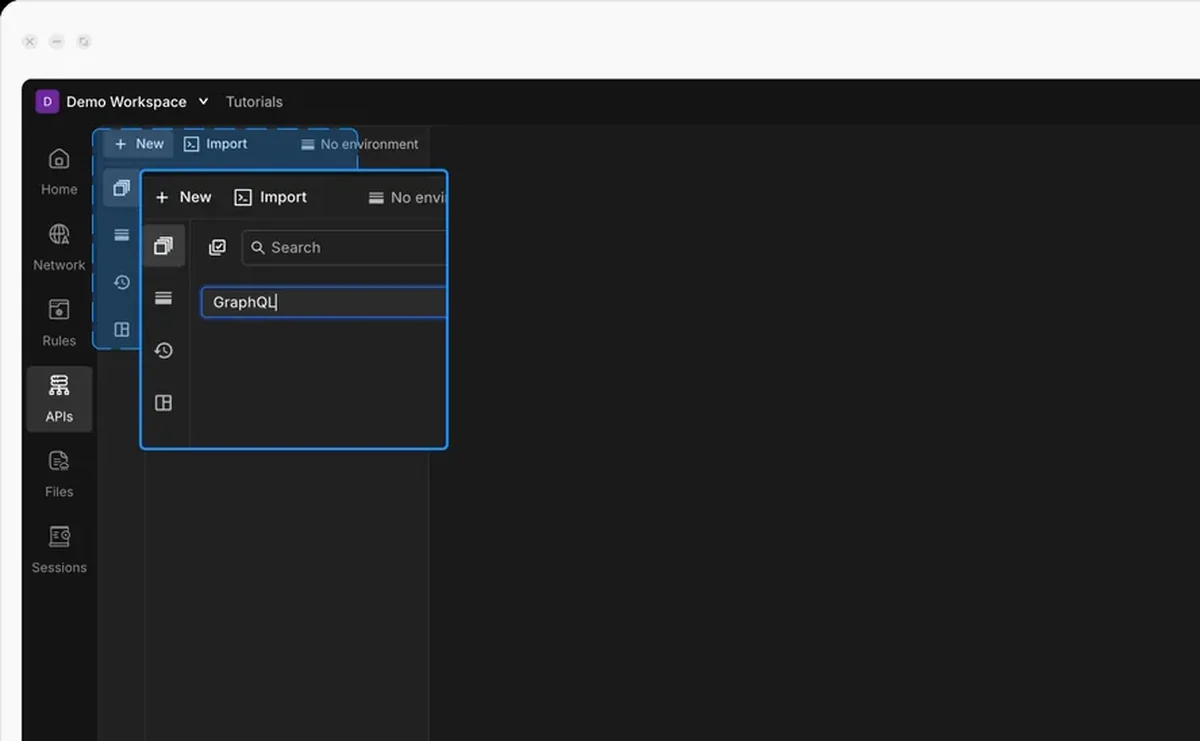
Click + New in the desktop app and select GraphQL request. Enter your endpoint and Requestly performs schema introspection automatically.

No. In the schema explorer, select a field and expand its arguments and the corresponding query is written into the query editor for you. You can still write or edit queries manually.

Yes. Select multiple fields in the schema explorer and both queries appear in the editor, or add a second query or mutation manually.

In the Variables editor, as JSON. They stay separate from the query itself, which keeps the query reusable.

No — that is a different tool. This page covers sending GraphQL requests from the API Client. To intercept and mock GraphQL responses in a browser or app, see the HTTP Interceptor GraphQL support.

Explore a GraphQL API without reading its docs first

Enter an endpoint, let introspection map the schema, and click your way to a query. Available on macOS, Windows and Linux.

macOS, Windows & Linux