
How to Override GraphQL API Query & Mutations

Why Modify GraphQL Requests?
GraphQL is powerful but often tricky during debugging or testing because:
-
All operations hit a single endpoint via POST.
-
Query, variables, and operationName live in the request body—not in the URL.
Traditional URL-based interception fails here. Requestly solves this by allowing body-level interception with GraphQL-specific filtering.
You can:
-
Test pagination by changing
firstorlimitvalues. -
Toggle feature flags in queries.
-
Swap schemas or inject new fields for UI testing.
-
Simulate edge cases without redeploying.
Steps to Override GraphQL Requests in Requestly
1. Create a Modify Request Body Rule
-
Go to HTTP Rules in Requestly.
-
Click + New Rule → Modify Request Body.
2. Configure Source Conditions
-
Enter your GraphQL API endpoint, e.g.,
company.com/api/graphql. -
Most GraphQL requests use
POST, so include method filters if needed.
3. Select GraphQL As Resource Type
-
In Request Body options, choose GraphQL API as the resource type.
-
Use the operationName filter to target a specific query or mutation, e.g.,
ListArticles.
4. Customize the Request
-
For static changes: Paste the full modified payload.
-
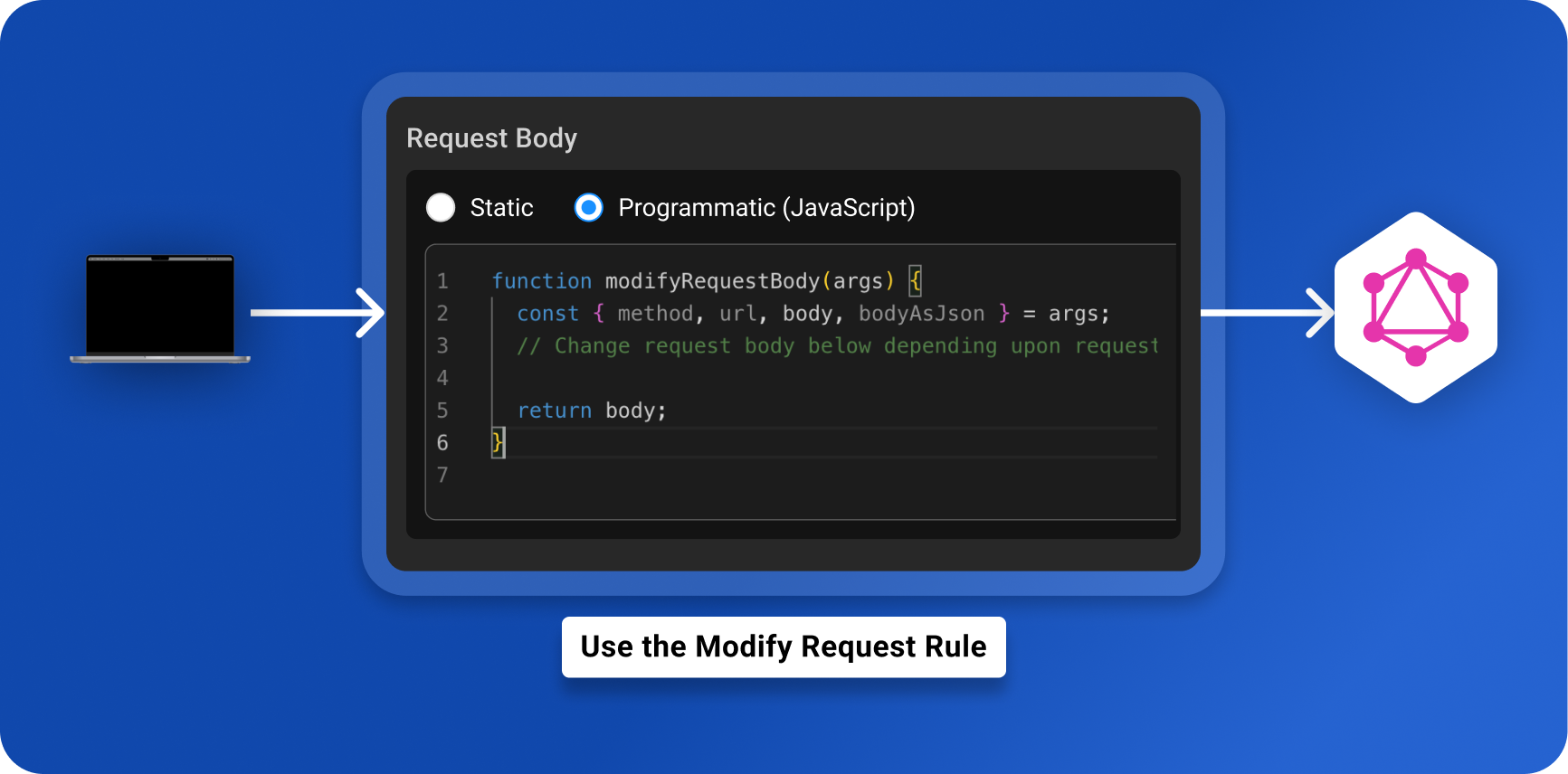
For dynamic changes: Use Programmatic mode and write custom JS.
Video Tutorial
Test Your Rule
-
Save and enable the rule.
-
Reload your app and check DevTools → Network tab.
-
Confirm the modified payload in Live Traffic inside Requestly.
Bonus: Combine with Other Features
-
Use Redirect/Map Remote to hit staging or production APIs from local.
-
Pair with Modify Response Body for full request-response simulation.
Why This Matters
Modern apps rely heavily on GraphQL. Being able to intercept and modify GraphQL requests in-flight gives developers and QA teams flexibility without touching server code. Requestly makes this simple with GraphQL-specific capabilities.
Next Steps:
Test any API request visually: import a cURL command or build from scratch in Requestly, the API client for developers.
Download →