






From tested request to shipped code
There is a familiar failure mode: the request works in the client, then gets retyped into application code and stops working. A missed header, a differently-escaped body, an auth scheme applied slightly wrong.
Export the working request
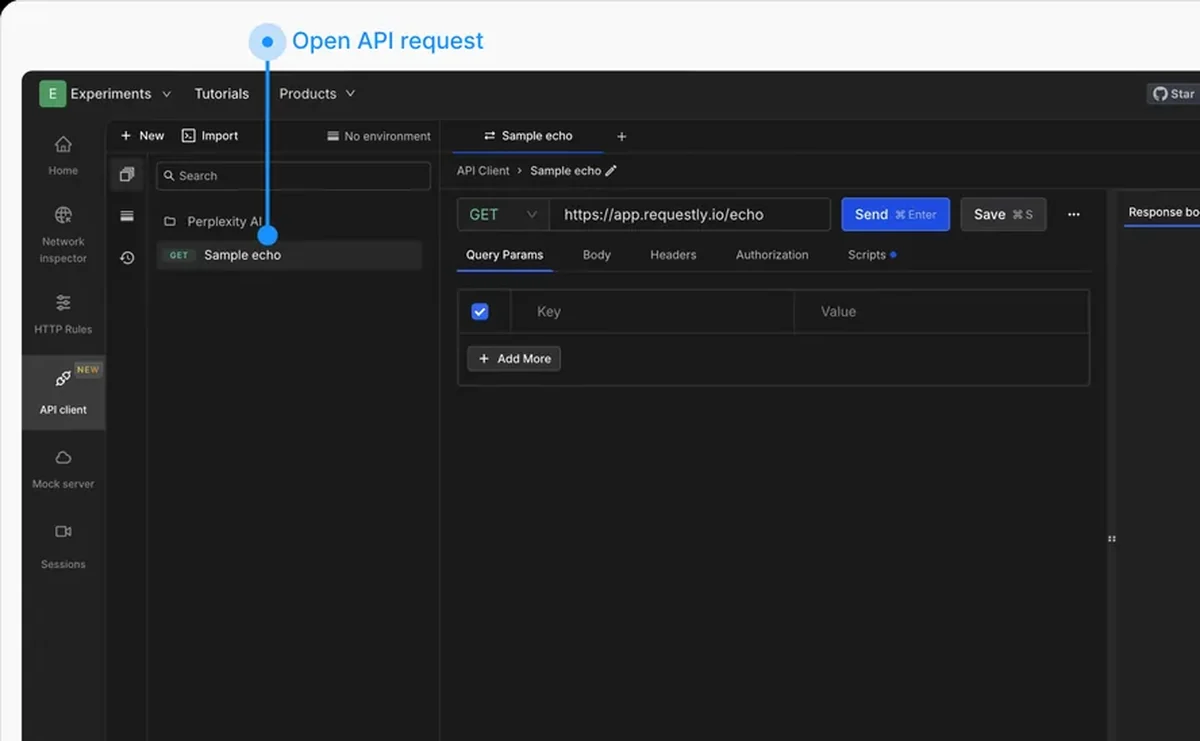
Click Get client code in the request editor header and Requestly converts the request exactly as configured into a snippet. Method, URL, headers and body all come across.
curl --request POST \
  --url https://api.example.com/users \
  --header 'Authorization: Bearer YOUR_TOKEN' \
  --header 'Content-Type: application/json' \
  --data '{"name":"Jane Doe","email":"jane@example.com"}'
Switch to your language
Switch the target from the dropdown at the top of the modal and the snippet regenerates — cURL, Python, JavaScript, Go, Java, C#, Swift, PHP, Ruby and more than twenty combinations in total. Copy it and paste it into your project.
One caution worth stating: if your request carries a real token, the generated snippet carries it too. Treat it accordingly before pasting it into a ticket.